

Find the right words
Draft an email, rephrase a sentence, or get a fresh take on something you're writing.
A truly native Windows app
Write, learn, and work through ideas. A fully native Windows app that feels like part of your desktop.
From the Microsoft Store · 20 free requests daily
Ask a question. Keep the conversation going.
A hand with the everyday
Draft an email, rephrase a sentence, or get a fresh take on something you're writing.
Ask for an explanation, break down a tricky topic, or explore a question in more detail.
Brainstorm a starting point, think through a plan, and keep going with follow-up questions.
Made for your desktop
A familiar Windows app, with light and dark themes. Keep your conversations close and pick up where you left off.
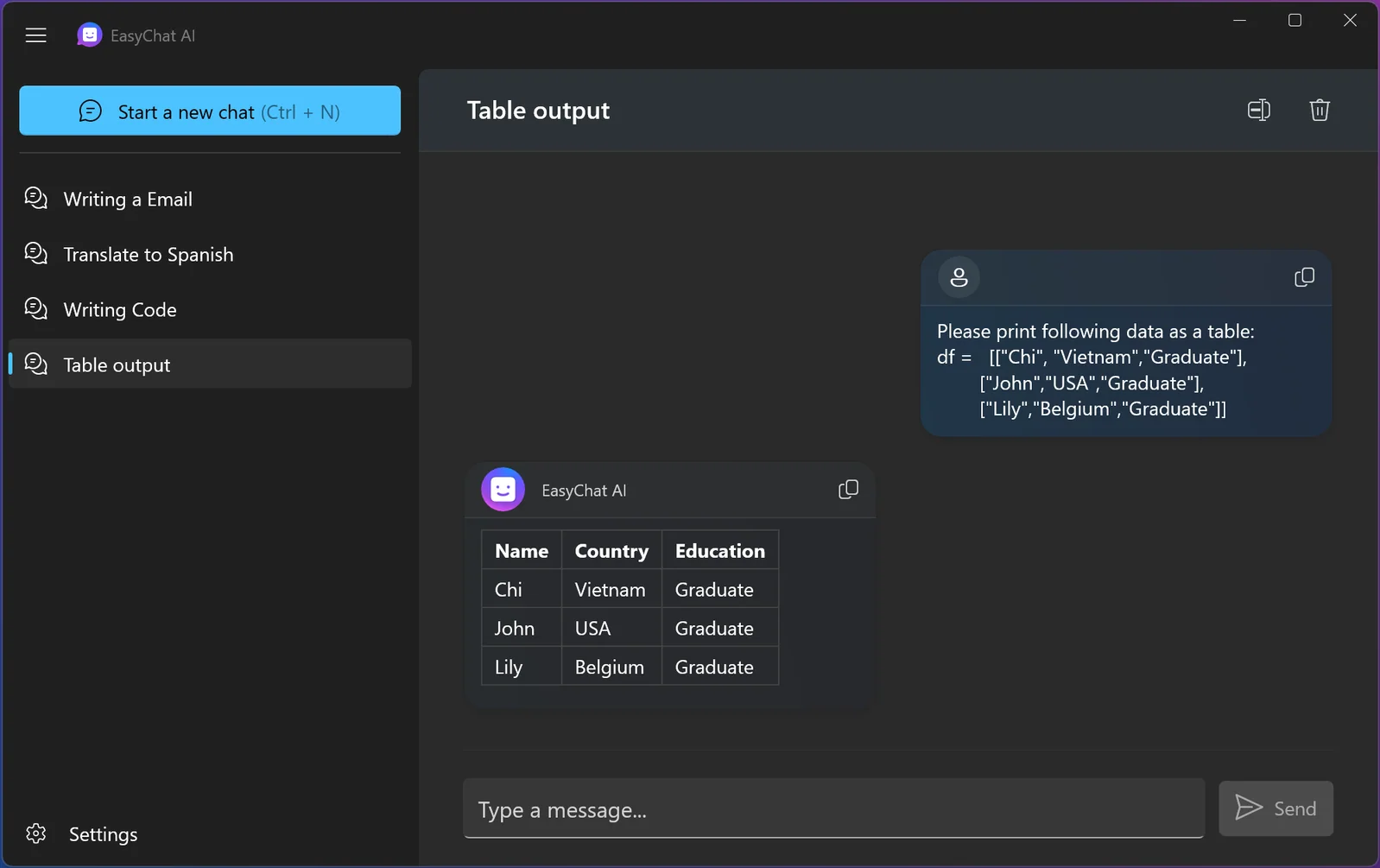
Quick Chat
A quick translation, an explanation, a fresh idea. Open the compact Quick Chat flyout on your Windows desktop without leaving what you’re doing.

Easy on the eyes
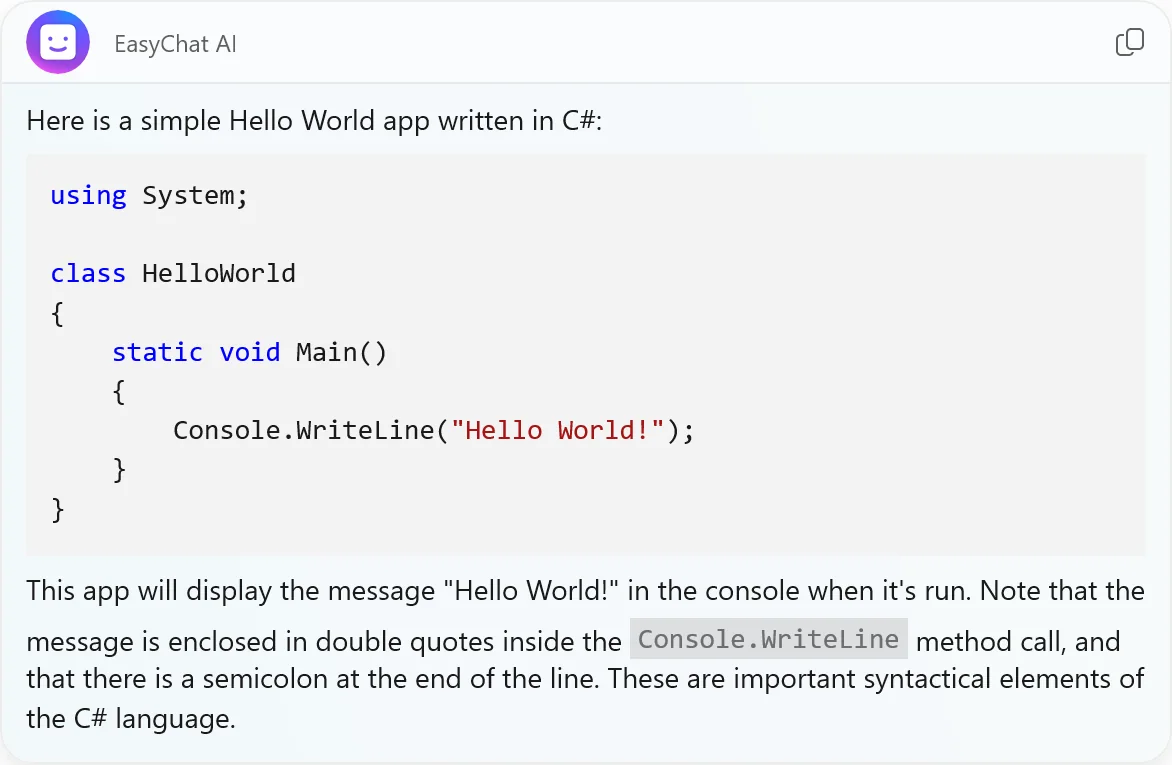
Clear lists, neat tables, and readable code. Even a longer answer is easy to follow, copy, and put to use.
Have another question? Just ask. Every conversation has room to go a little further.
Good to know
Need a hand?
We’re here to help →
Yes. EasyChat AI is free to download and includes 20 requests per day. Optional upgrades are available inside the app if you need more.
Download EasyChat AI from the Microsoft Store, open the app, and type your first question. You can write naturally, just as you would in a conversation.
Try asking for help with writing, an explanation, a translation, or a few new ideas. Follow up with more detail to shape the answer. AI can make mistakes, so check important information.
Yes, as an optional upgrade. Requests then go directly to OpenAI, with API usage billed separately by OpenAI. The regular app is ready to use without setting this up. Read the setup guide.
Start with the free app
20 free requests every day. A little help with whatever’s next.
Download for free Available on the Microsoft StorePurchase details and regional prices are shown in the app and Microsoft Store.